
 0
0
 0
0
Someone made you uncomfortable during a random chat session and you need them gone. I have been there. After testing privacy controls across more than 15 video chat platforms over two years, I know exactly how blocking works on each major service and what the limitations actually are.
Table of Contents
- How to Block on Major Platforms
- What Blocking Actually Does
- When Blocking Is Not Enough — Report Instead
How to Block on Major Platforms
Each platform handles blocking differently. Here is what actually works based on my hands-on testing.
OmeTV
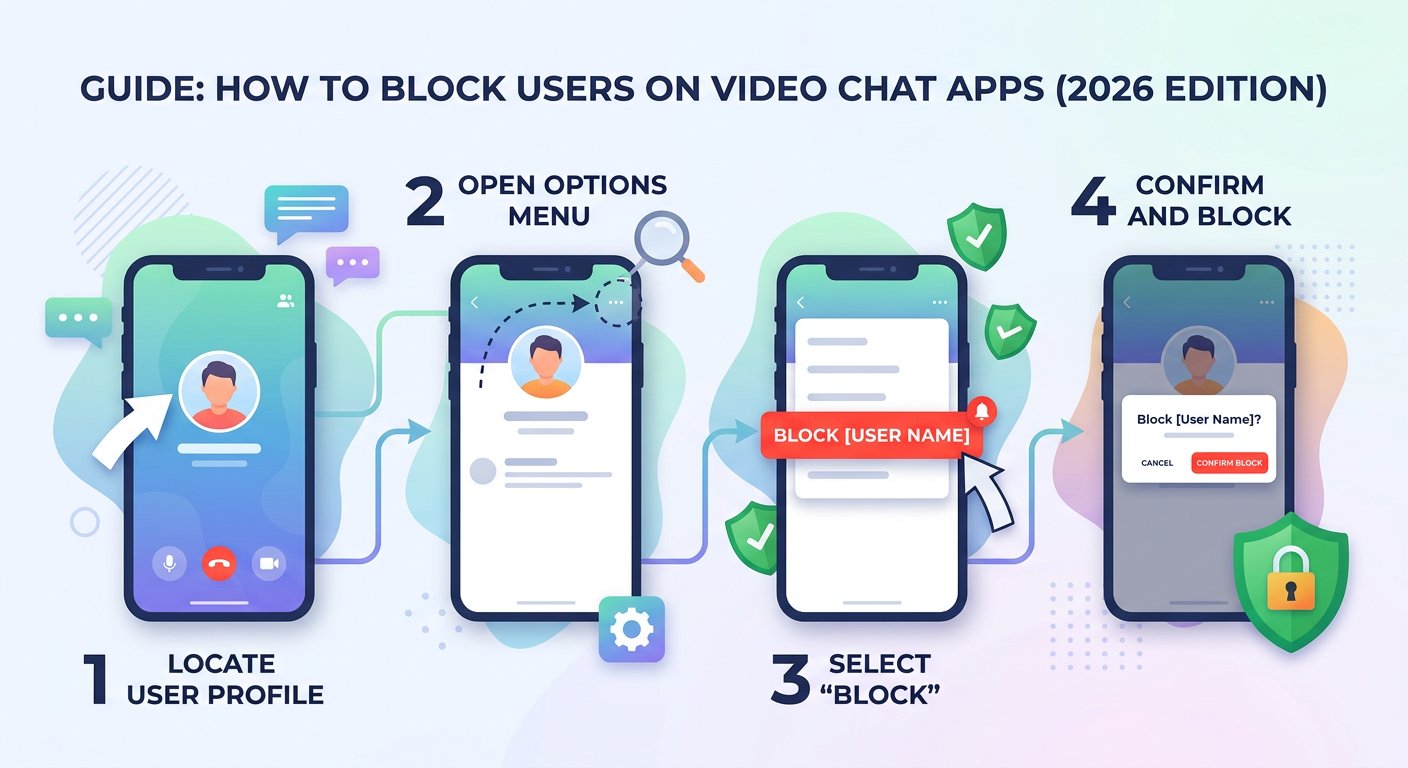
During an active conversation, look for the three-dot menu icon in the top corner of the video frame. Tap it and select “Block User.” The block activates immediately—you will not be matched with that person again during your current session.
The limitation: OmeTV blocks by device fingerprint and IP address, but determined users can return with a different connection. For persistent harassment, the block buys you time but you may need to report additionally.
ChatRandom
ChatRandom displays a small flag icon during video chat. Click it while a problematic user is active to open the report flow, which includes a block option. You can block directly from the chat interface without ending the conversation first.
ChatRandom has improved its blocking system significantly since 2024. Blocks now persist across sessions if you use the same browser and device. Clear your cookies and the block resets.
Emerald Chat
Emerald Chat integrates blocking into its user karma system. From the chat interface, click the user name to access a menu that includes “Block.” The platform also lets you block by username from the settings panel if you want to preemptively block someone you encountered outside of active chat.
Emerald Chat blocks tend to be more reliable than competitors because the platform ties blocks to account sessions rather than device IDs alone.
Other Platforms
Most smaller platforms follow one of two patterns: they either copy the OmeTV interface (three-dot menu, block option) or they require you to end the chat first, then find the user in recent history to block them retroactively.
If you cannot find a block option, the platform likely lacks robust blocking infrastructure. In that case, exit immediately and consider using a different service. Platforms without basic privacy controls are not worth the risk.
What Blocking Actually Does
Understanding what blocking accomplishes—and what it does not—prevents disappointment.
What blocking does:
- Prevents the blocked user from seeing your profile or matching with you again on that platform
- Removes their messages or comments from your view immediately
- Signals to the platform that this user has behaved inappropriately, which factors into their overall account standing
What blocking does not do:
- Guarantee permanent separation—users on anonymous platforms can return with new accounts or VPN connections
- Remove content the blocked user may have already captured or recorded
- Prevent other users from experiencing the same behavior from that person
Privacy controls on social platforms generally follow this pattern—blocking limits future interaction but does not erase past exposure. This is why reporting alongside blocking matters.
For deeper context on what video chat platforms can actually see about you, see our analysis of video chat anonymity and privacy. Understanding platform capabilities helps you set realistic expectations for privacy controls.
When Blocking Is Not Enough — Report Instead
Blocking removes someone from your experience. Reporting removes them from everyone experience. Here is when to do both.
Block when: Someone makes you uncomfortable, sends unwanted content, or you simply do not want to see them again. Blocking is a personal privacy tool and does not require proof.
Report when: Someone shares explicit content without consent, threatens you, attempts to gather personal information for harassment, or engages in behavior that violates the platform terms of service. Online platform accountability depends on user reports—platforms cannot act on behavior they never witness.
The reporting process varies by platform but typically involves: selecting the offending user from chat history, choosing a violation category, providing a brief description, and submitting. Evidence helps—screenshot problematic behavior before ending the conversation.
If someone harasses you across multiple platforms, document everything. Dates, times, usernames, platform names, and screenshots build a record that can support broader action if needed.
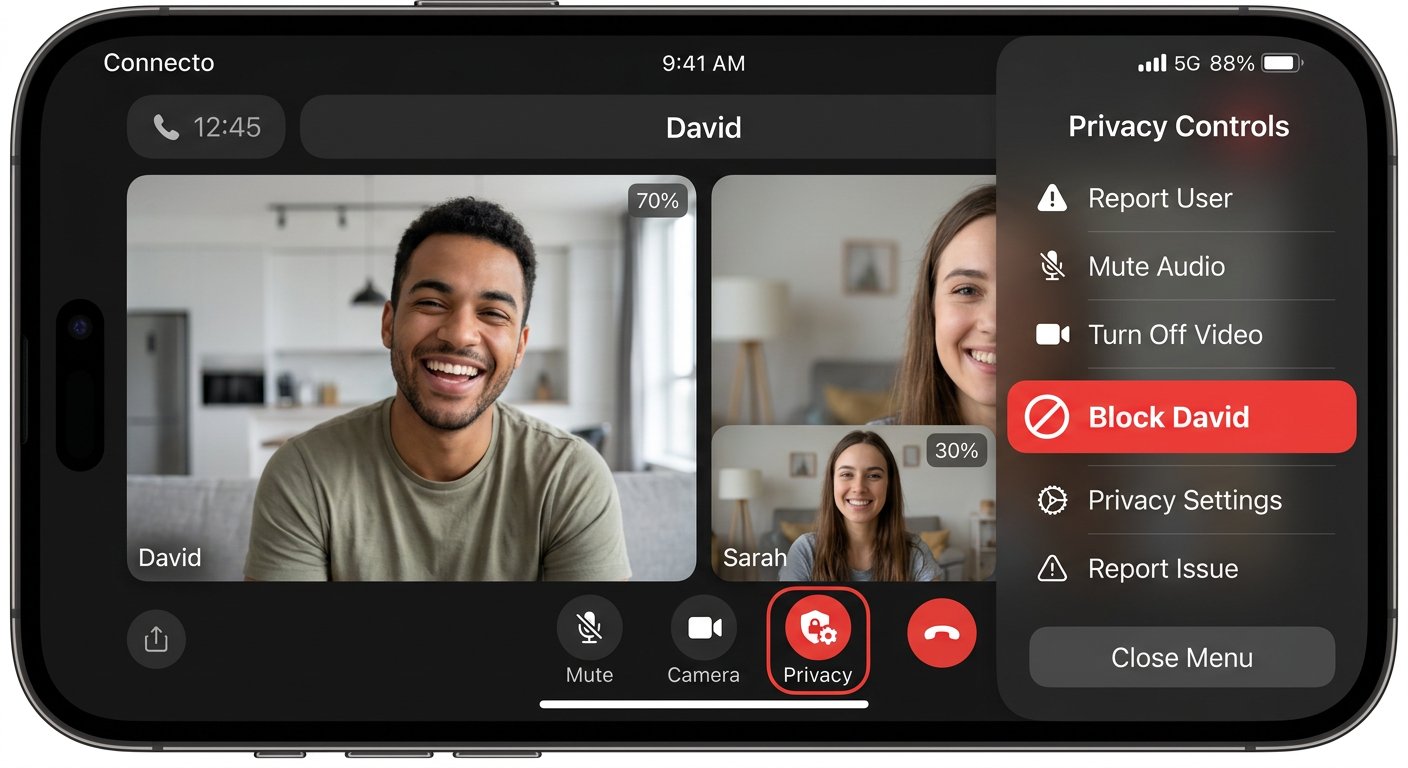
The key takeaway: blocking gives you immediate relief, reporting creates systemic change. Use both when the situation warrants it.